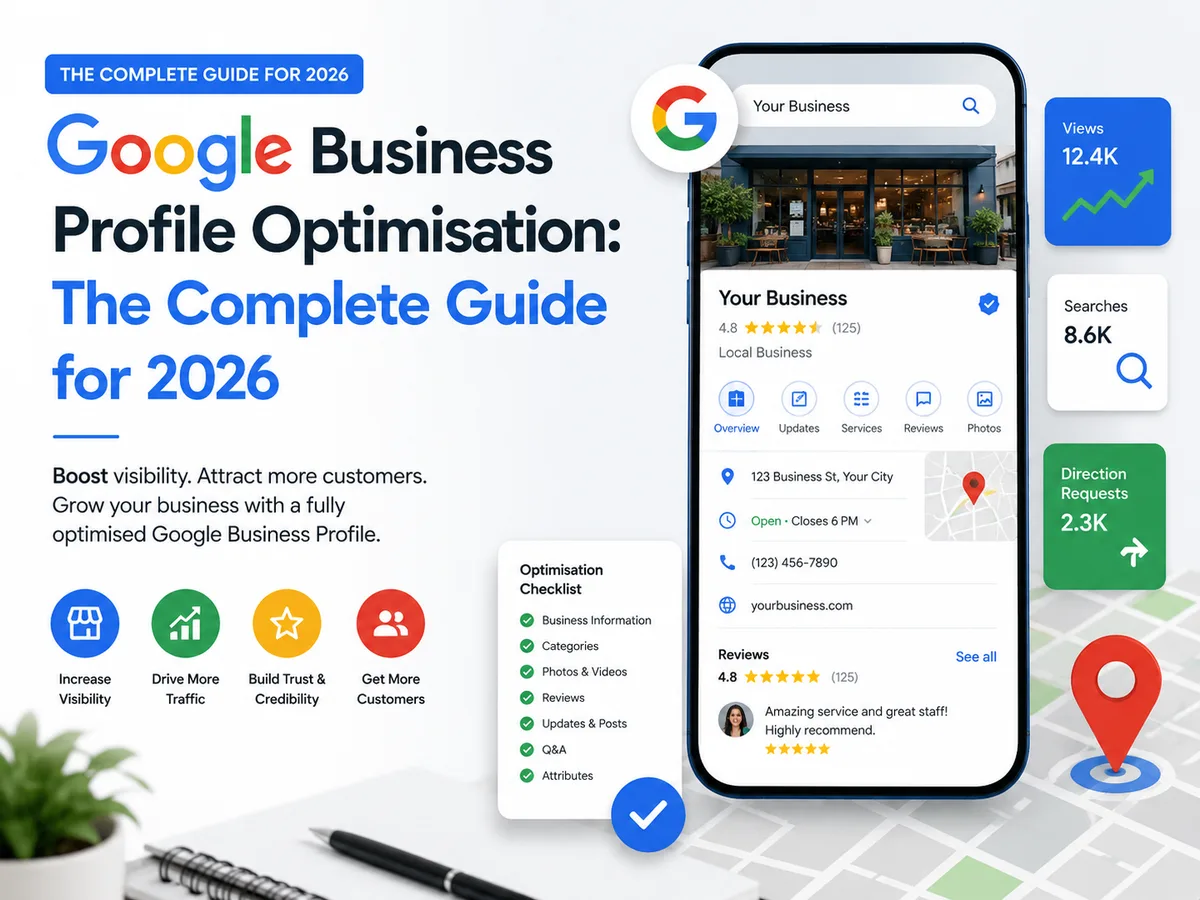
For most local businesses, the Google Business Profile is the most important piece of digital real estate they control. It appears in Google Maps, in local search results and in the knowledge panel when someone searches directly for your business name. It is often the first impression a potential customer gets, before they ever visit your website. Yet most small business profiles are incomplete, poorly maintained or missing features that would directly produce more enquiries.
Why your Google Business Profile matters more than your website for local search
When someone searches for "hairdresser near me" or "plumber in Bristol", the results they see first are not websites. They are Google Business Profiles displayed in the map pack, the cluster of three local results that sits above the organic website listings. Getting into that map pack, and ranking as high as possible within it, is the single highest-impact local SEO action most businesses can take.
The map pack takes up a significant portion of the search results page on both desktop and mobile. Studies consistently show that the top three positions in the local map pack capture a large majority of the clicks. Ranking fourth or below means most searchers never see you. The gap between first and fourth in terms of enquiries received is far larger than most business owners realise.
Your Google Business Profile also acts as a standalone page about your business. It shows your photos, your reviews, your opening hours, your services, your location and your contact details. A well-maintained profile answers most of the questions a potential customer has before they even click through to your website. A thin or neglected profile creates doubt.
The fundamentals: completing every field
Google uses the completeness of your profile as one of its ranking signals. Profiles with every field filled in rank higher than those with gaps. This sounds obvious but the majority of Google Business Profiles in the UK have at least one important field left blank.
The fields that matter most are your business name, your primary category, your address or service area, your website, your phone number, your hours, your business description and your products or services. Every one of these should be filled in accurately and completely.
Your business description is 750 characters. Use all of it. Write for the customer rather than for the algorithm. Describe what you do, who you do it for, what makes you different and where you are based. Include your main service terms naturally, not as a keyword list. A description that reads well for a human will also perform well for Google.
Your primary category is particularly important because it determines which searches your profile appears for. If you are a solicitor, choosing 'Law Firm' versus 'Solicitor' will affect your visibility for different searches. Research which category your best-ranked local competitors are using and choose accordingly. You can also add secondary categories for additional services.
Photos: how many, what kind, and how often
Profiles with more photos receive significantly more views, direction requests and website clicks than those with few. Google's own data suggests that businesses with more than 100 photos get 520 percent more calls than the average. Whether you take that specific figure literally or not, the direction is clear: more high-quality photos mean more engagement.
Start with the essentials. A clear exterior photo showing the front of your premises, taken from the angle a customer would approach. Interior photos showing the space. Photos of your team at work. Photos of your products or the work you have completed. If you are a service business that works in customers' homes or on-site, photos of completed work are particularly powerful.
Add new photos regularly. Google gives preference to profiles that show signs of active management, and regular photo uploads are one of the clearest signals of this. Two new photos per week is a reasonable target. They do not need to be professional photography shots, though professional images of your space and team are worth investing in if you can. Authentic photos taken on a modern phone often perform just as well as studio shots for most local businesses.
Name your photos before uploading them. A file named "dental-practice-reception-london.jpg" communicates more to Google than "IMG_3847.jpg". It is a small detail that takes seconds and contributes to how Google understands what the image shows.
Google Business Profile posts
Most businesses set up their Google Business Profile once and never touch it again. The ones that rank highest consistently treat it as an active channel, and Google Business Profile posts are the clearest way to demonstrate that activity.
Posts appear directly in your profile and in search results. They last for seven days before expiring, which means a weekly posting cadence keeps your profile looking current. The content can be simple: a new service, a seasonal offer, a behind-the-scenes photo, a recent review you are proud of, a local event you are involved in. Each post should include a call to action and a link, usually to your website or booking page.
The businesses that use posts consistently report that they see higher click-through rates from their profiles and better visibility in local search over time. Google has said publicly that profile activity is a factor in local ranking, and posts are one of the most clear ways to demonstrate it.
The questions and answers section
Many business owners do not realise that anyone can ask questions on their Google Business Profile, and anyone can answer them. If you are not actively managing this section, your customers may be getting answers from strangers who know nothing about your business.
The better approach is to seed the questions and answers section yourself. Think about the questions your customers ask most often before booking or buying. Add them as questions, then answer them with the same care you would put into a FAQ page on your website. This both protects the accuracy of information on your profile and signals to Google that your profile is actively managed.
Set up notifications so you are alerted when new questions are asked. Respond quickly, ideally within 24 hours. A profile where questions get answered promptly builds trust with potential customers who are comparing you against competitors.
Managing reviews properly
Your review profile is one of the three main factors Google uses to determine local ranking, alongside relevance and distance. More reviews, more recent reviews and a higher average rating all correlate with better local rankings. This is not a correlation people should treat as coincidental.
The most effective review generation strategy is direct, personal and immediate. Ask every customer who has had a good experience, at the moment of peak satisfaction, and give them the link. Do not rely on email follow-ups a week later, though those are better than nothing. The conversion rate on an in-person request made at the right moment is far higher than a follow-up email.
Respond to every review, positive and negative. For positive reviews, a genuine and specific response is better than a generic thank you. For negative reviews, a calm, professional response that acknowledges the issue and offers to resolve it demonstrates to future readers that you take service seriously. Never argue with a reviewer in public, even if the review is unfair.
The bottom line
A fully optimised, actively managed Google Business Profile is the highest-return local SEO investment most small businesses can make. The work is not complicated: fill in every field accurately, upload photos regularly, post weekly, answer questions promptly and ask every satisfied customer for a review. The businesses that do all of these things consistently will rank above competitors who do not, regardless of how much those competitors spend on other forms of marketing.
Ask AI about this topic
Get a personalised answer or ask a follow-up question about Google Business Profile optimisation.
Frequently asked questions
Most profile updates appear within 24 to 48 hours. Some changes, particularly to business name or category, may take a week or more as Google reviews them. New reviews typically appear within a few hours. Changes to photos are usually visible within 24 hours.
Yes. Service-area businesses that visit customers rather than receiving them at a fixed address can hide their address and set a service area instead. Tradespeople, cleaners, mobile services and similar businesses typically use this option. You still need a verifiable address for Google's verification process, but it does not need to be displayed publicly.
Flag the review for removal using the three-dot menu beside it and select Report review. Choose the most relevant policy violation. Google will investigate but may take several weeks to act. In the meantime, respond to the review professionally and factually. Do not respond aggressively, even if the review is clearly dishonest.
Businesses with more than 100 photos typically see significantly higher engagement than those with fewer than 10. Start with a minimum of 20 high-quality photos across your interior, exterior, products or services, team and any work you have completed. Add new photos at least twice per month to signal an active listing.